- Version
- 0.3.1
- License
- MIT
- Platform
- Linux x86_64
- Stack
- Tauri v2 · Rust · whisper.cpp
- Network
- None while dictating
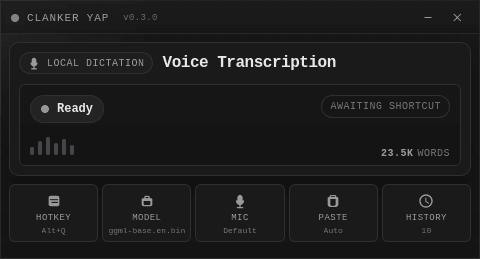
Clanker Yap is a small desktop app that turns speech into text wherever your cursor already is. Hold a hotkey, talk, let go, and the transcription is pasted into the focused window: a terminal, an editor, a browser, a chat box.
It exists because dictating prompts to coding agents in a terminal is awkward with most dictation tools. Yap runs Whisper locally, needs no account, and knows when the focused window is a terminal.
Hold, release, paste
- 01
Hold
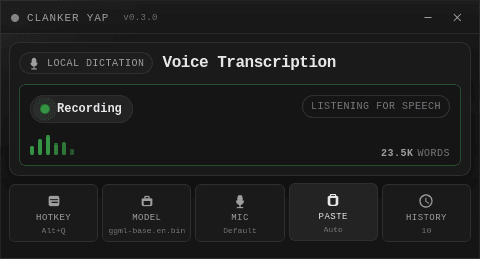
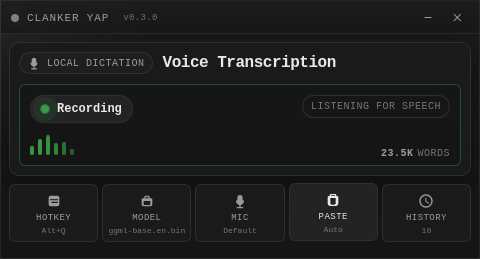
Press and hold the global hotkey in any app. A floating pill shows live microphone levels.
- 02
Transcribe
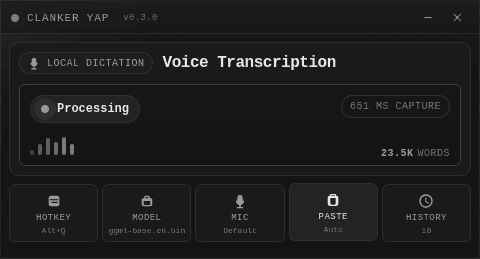
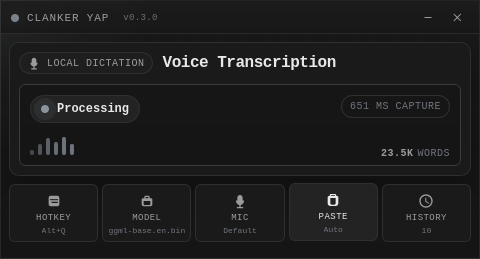
On release, whisper.cpp transcribes the audio on your CPU. Nothing is uploaded.
- 03
Paste
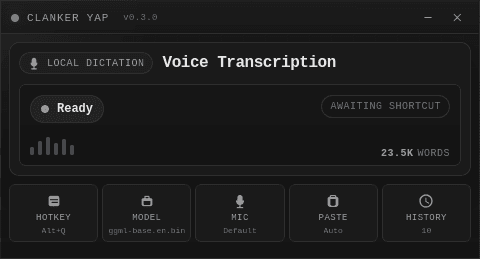
The text is copied and pasted into whatever you had focused. Terminals get the right paste shortcut.
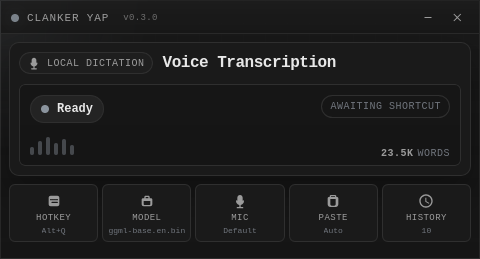
Private by construction. No cloud transcription, no audio upload, no account, and no external service anywhere in the transcription path. The only network use is the optional model download.
What it does
Local transcription
whisper.cpp through the whisper-rs bindings. CPU only; no GPU required.
Push to talk
A global shortcut, defaulting to Ctrl+Shift+V. On Wayland it uses the desktop's GlobalShortcuts portal.
Terminal-aware paste
On Linux it detects the focused application and picks standard or terminal paste (Ctrl+Shift+V / Shift+Insert) automatically, or you can force a mode.
History
Settings, transcription history and a running word count live in a local SQLite database, with copy controls for each entry.
Model choice
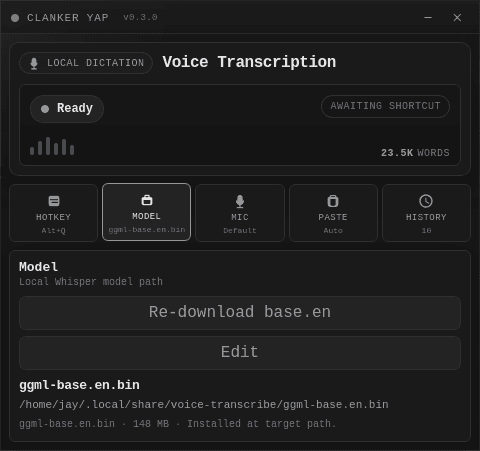
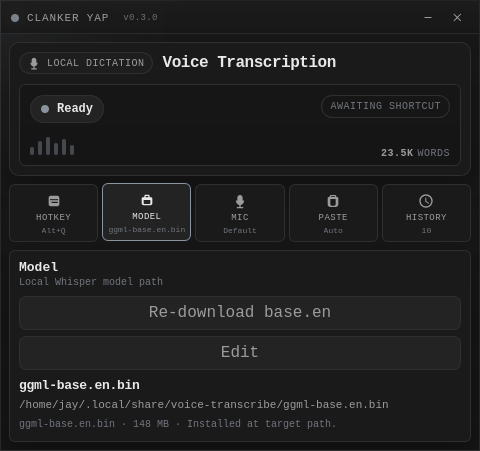
Any GGML Whisper model. The app can download ggml-base.en.bin for you; larger and multilingual models can be dropped in.
Quiet by design
A single-instance desktop app with a small window. Configure it once and mostly forget it.
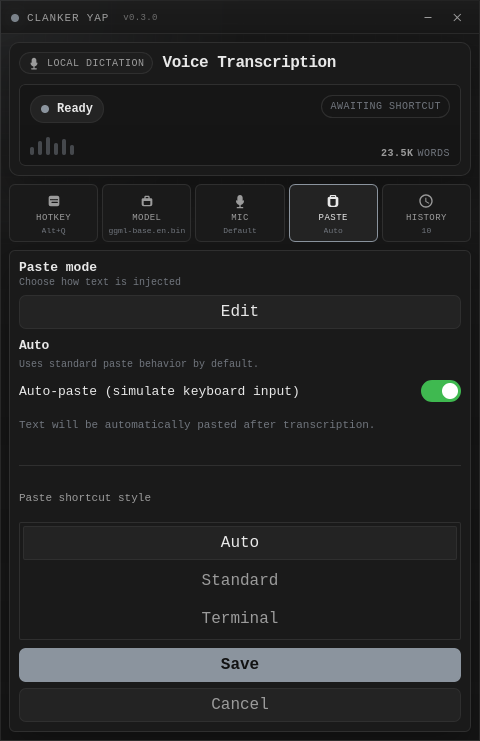
Paste modes
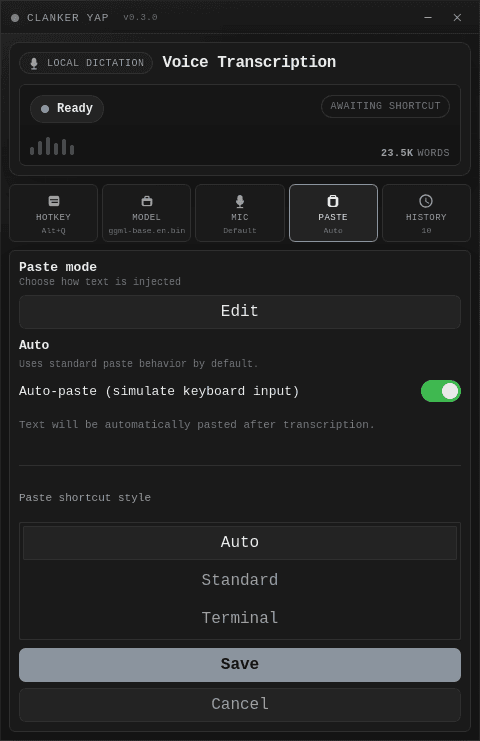
Auto-paste can be switched off to copy to the clipboard only. Otherwise the shortcut style is:
- Auto
- Chooses terminal or standard paste from the focused app.
- Standard
- Ctrl+V, as normal applications expect.
- Terminal
- Ctrl+Shift+V or Shift+Insert, for terminals and Vim.
Pick the speed and accuracy you want
Any GGML Whisper model works. Bigger models are more accurate and slower, and everything runs on the CPU.
| Model | File | Size | Speed | Notes |
|---|---|---|---|---|
| Tiny | ggml-tiny.en.bin | 75 MB | Fastest | Lowest accuracy |
| Base | ggml-base.en.bin | 148 MB | Fast | Default; in-app download |
| Small | ggml-small.en.bin | 466 MB | Medium | Balanced |
| Medium | ggml-medium.en.bin | 1.5 GB | Slow | High accuracy |
| Large | ggml-large.bin | 2.9 GB | Slowest | Highest accuracy |
English-only models end in .en. Multilingual variants cover 99+ languages. Models live in ~/.local/share/voice-transcribe/.
Get it running
Releases are a Linux x86_64 AppImage. You can also build from source.
Release
Download the AppImage from the latest release, make it executable and run it. On first launch, download a model from inside the app or place one in ~/.local/share/voice-transcribe/.
chmod +x 'Clanker Yap_X.Y.Z_amd64.AppImage'
./'Clanker Yap_X.Y.Z_amd64.AppImage'
On Wayland, the first launch opens your desktop's shortcut dialog. Approve or choose a key for “Hold to dictate”.
From source
Needs the Rust stable toolchain, Node.js and npm, plus WebKitGTK and build tools (package lists for Arch, Debian and Fedora are in the README).
git clone https://github.com/Bynzski/clanker-yap.git
cd clanker-yap
npm install
npm run tauri:devA small, layered Rust core
A Tauri v2 app: a thin web UI over four Rust layers.
- CommandsTauri commands the UI calls over IPC.
- ApplicationOrchestrator, runtime state and use cases (transcribe, paste, model download).
- DomainSettings, transcription entity, errors, constants.
- InfrastructureAudio capture (cpal, resampling to 16 kHz), whisper-rs, paste injection (enigo), SQLite (rusqlite).
hotkey down  → cpal capture → live level bars
hotkey up    → resample to 16 kHz mono
             → whisper-rs (whisper.cpp, CPU)
             → clipboard + paste (standard | terminal)
→ SQLite historyWhere it stands
Version 0.3, in active development. Known limits:
- Release builds are Linux x86_64 AppImages only. Windows and macOS are not supported targets.
- Wayland is supported through the desktop GlobalShortcuts portal. A desktop without that portal reports a setup error rather than falling back to a shortcut that leaks keystrokes.
- On KDE/Wayland, auto-paste may trigger a one-time "Remote Control" permission prompt. Turning auto-paste off avoids it.
- X11 is smoke tested, and shortcuts are configured inside the app there.
- The default model is English-only. Choose a multilingual model for other languages.
Read it, run it, change it
MIT licensed. Bug reports, platform testing and pull requests are welcome.