Codex
codexOpenAI's Codex CLI.
- ResumeJSONL history, local and SSH
- ForkNative, local and SSH
- AttentionNative hooks
- AI commitLocal
 Claude Code
 Oh My Pi
 Antigravity
Clanker Grid is a desktop app for people who work in the terminal and run several AI coding agents at once. It puts terminals, the agents themselves, Git, a browser and a code editor in one window, and remembers the layout per project.
It does not replace your agents or host a model. Each harness is the real CLI you already have installed, launched into a pane. Clanker adds the surrounding workspace: where it runs, how you resume a conversation, and when an agent needs you.
Each harness is a provider in a single registry. Capabilities differ because the CLIs differ, so Clanker only offers what a harness genuinely supports.
codexOpenAI's Codex CLI.
claudeAnthropic's Claude Code.
opencodeThe open-source terminal agent.
piMario Zechner's coding agent.
ompThe OMP coding agent.
hermes --tuiNous Research's Hermes Agent TUI.
agyGoogle's Antigravity CLI.
| Harness | Models (local) | History + resume | Fork | Attention | AI commit |
|---|---|---|---|---|---|
| Codex | debug models | JSONL / JSONL | native / native | native hooks | yes |
| Claude Code | — | JSONL / JSONL | native / native | settings hooks | — |
| OpenCode | models CLI + fallback | native CLI / native CLI | native / native | plugin | yes |
| Pi | list-models | JSONL / JSONL | native / native | extension | yes |
| Oh My Pi | JSON catalog | JSONL / JSONL | native / native | extension | yes |
| Hermes | local TUI gateway | — | — | SSH observer plugin | — |
| Antigravity | models CLI + fallback | SQLite / SQLite | emulated / — | plugin / inert over SSH | yes |
Slash-separated cells read local / SSH. Every harness launches locally and over SSH. The models column is the local catalog; SSH toolbar launches use the host CLI's configured model. AI commit is local-only.
Brand icons from theSVG, each under its own licence (see LICENSES.json). Product names and marks belong to their owners; this project is not affiliated with them. The Oh My Pi mark is from omp.sh.
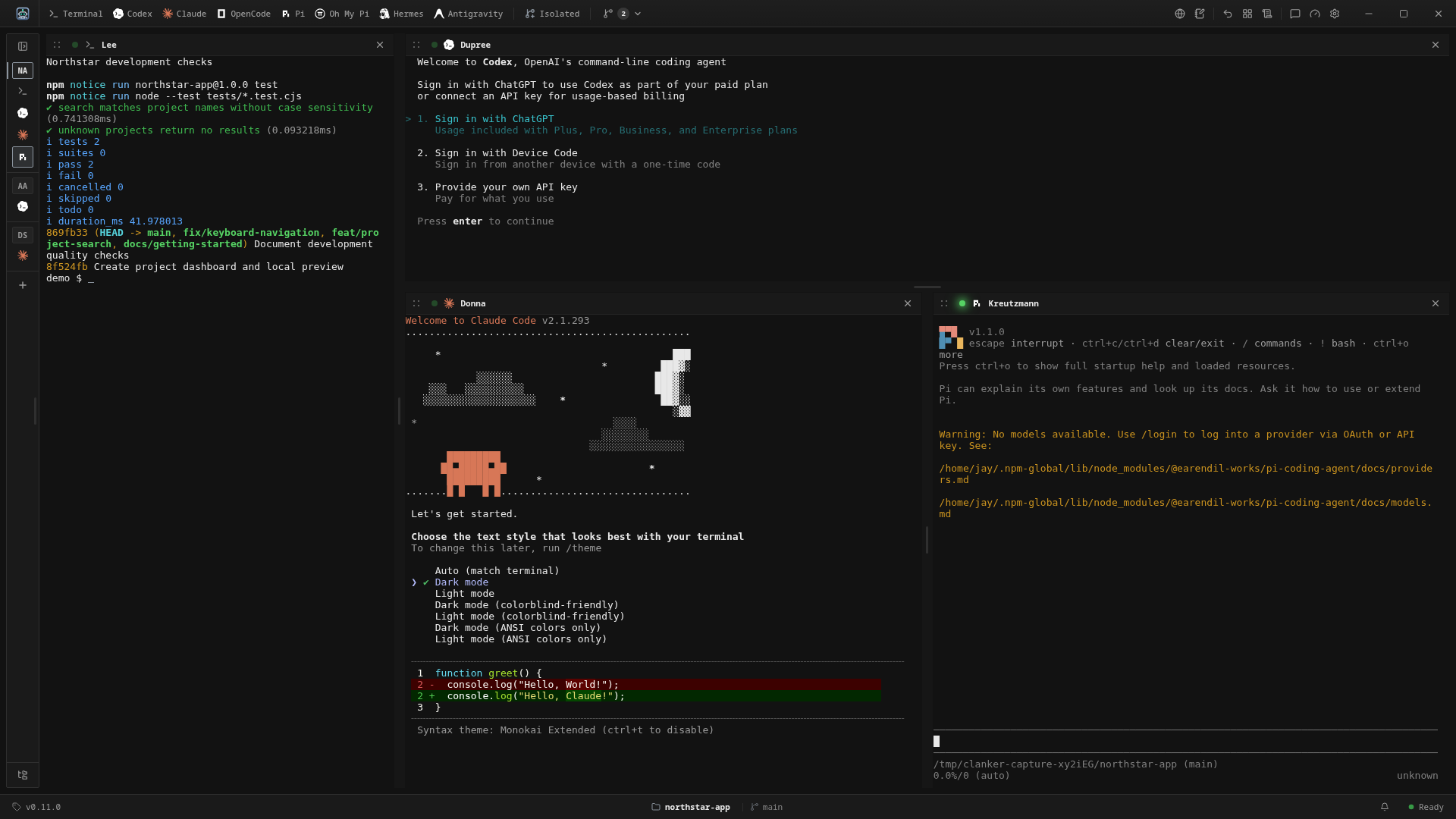
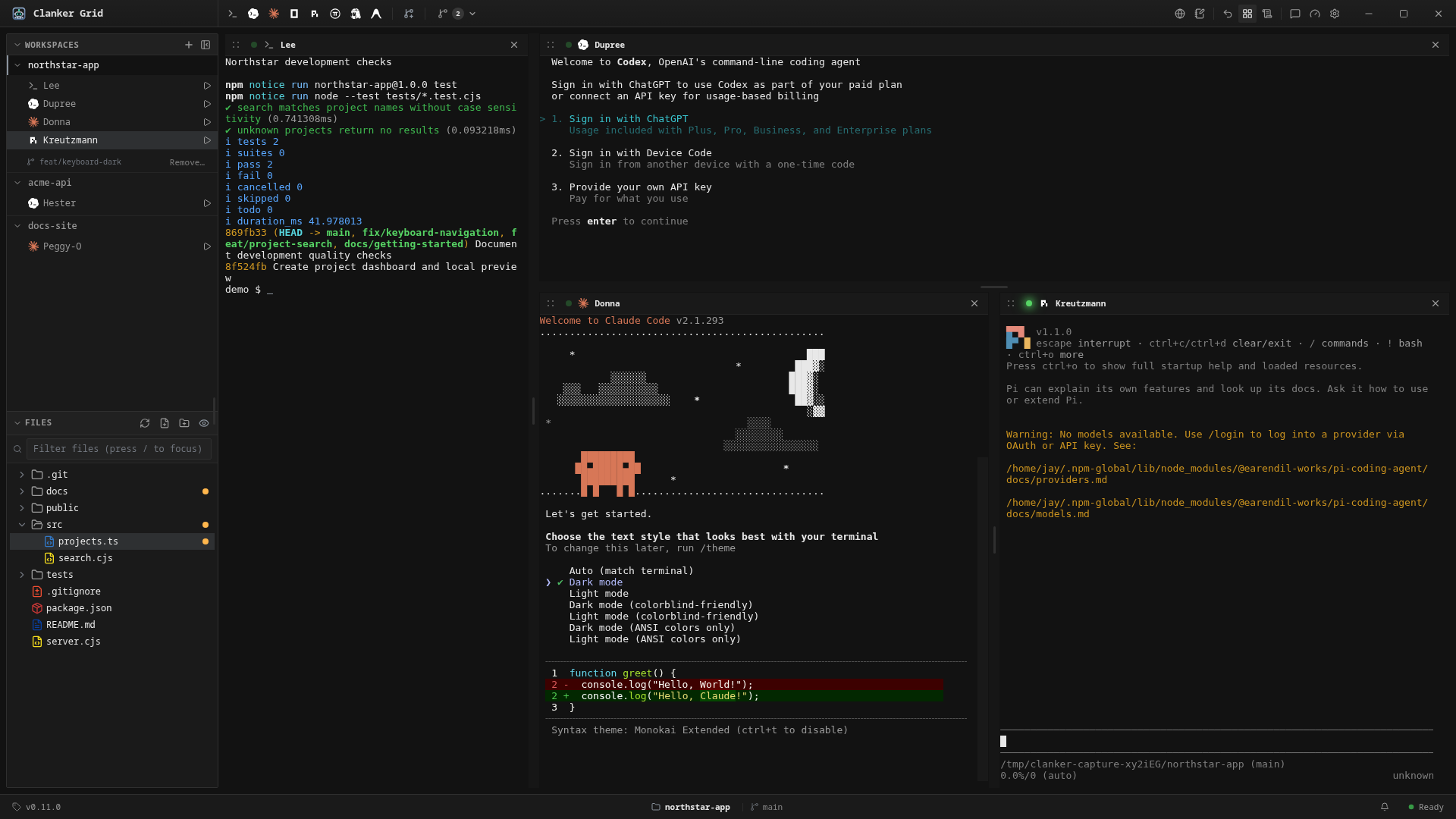
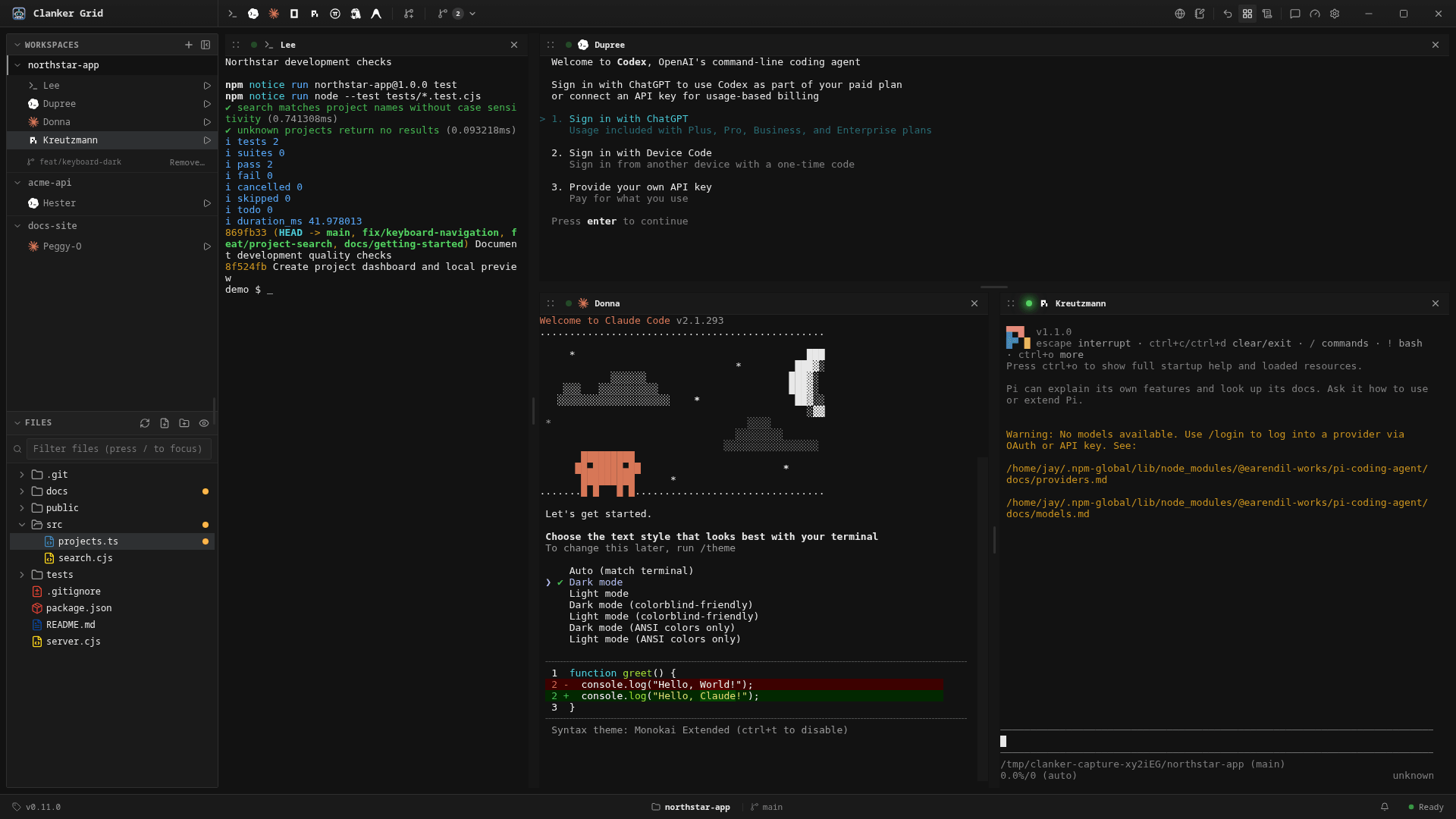
PTY-backed panes (node-pty with xterm.js) in resizable split layouts. A pane that loses its harness falls back to a normal shell, so nothing is lost when an agent exits.
Read the docsOpen a local or SSH folder as an empty workspace, then launch your harnesses. New isolated agent puts parallel agents on new branches or existing linked worktrees within one workspace, with checkout branch labels and protected Git worktree management.
Read the docsAttention badges show which agent is working, asking a question or finished. A status-bar Usage button and optional pinned quota chips show remaining capacity and reset times for Codex, Claude Code, Oh My Pi, Hermes and Antigravity, with optional managed Codex and Claude accounts.
Read the docsOpen a remote POSIX directory with a desktop-style folder chooser. Terminals, Git and installed harnesses run on the host, and web services it serves are discovered and previewed in the embedded browser through automatic loopback forwards.
Read the docsBranches, stashes, merges, diffs and remotes, plus AI-assisted commit messages covering the full working tree, and PR status with CI checks from GitHub, GitLab and Bitbucket.
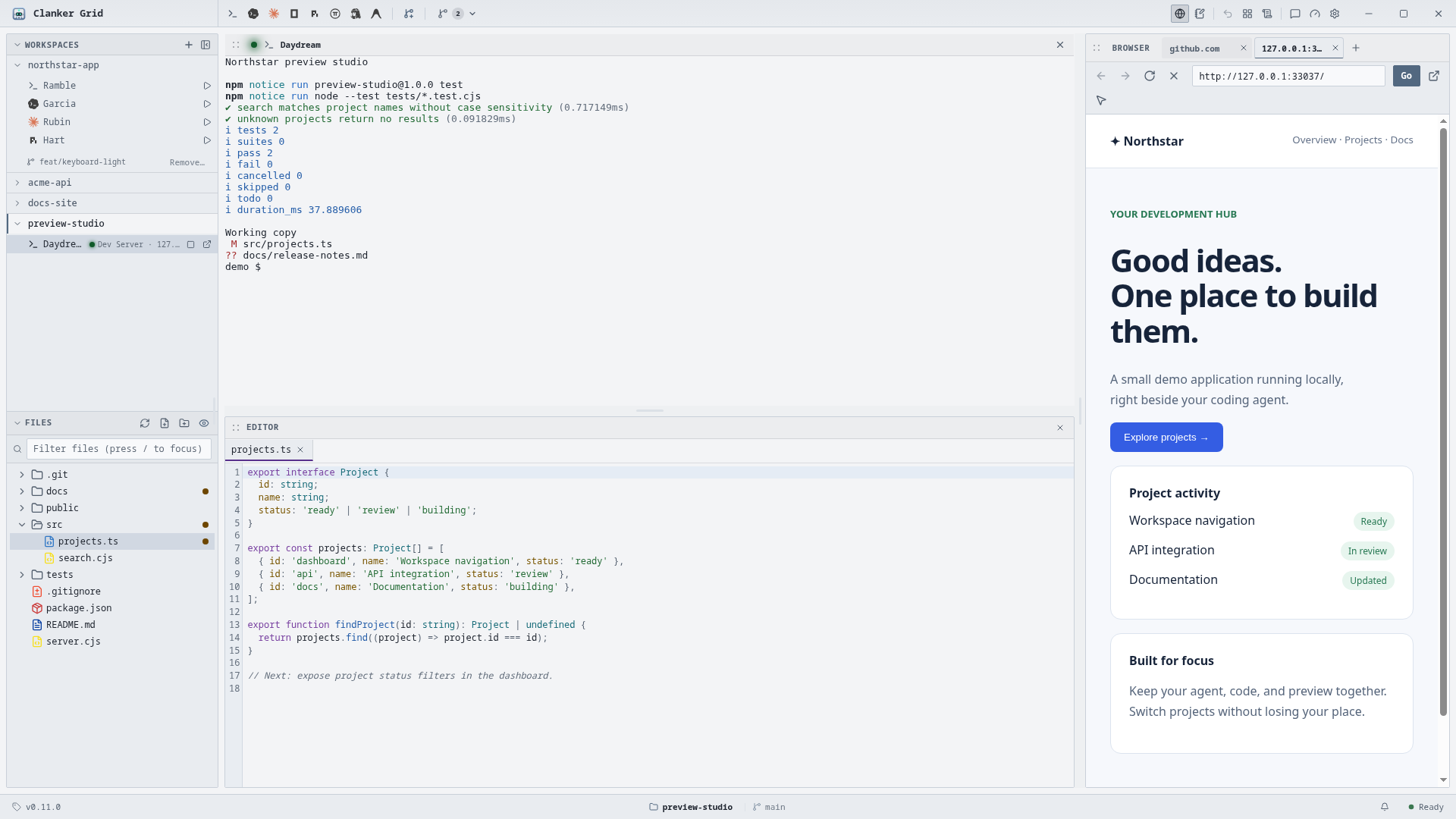
Read the docsAn embedded browser with tabs and DevTools. Select an element, add a note, and send a structured description straight to a local or SSH agent terminal.
Read the docsExplorer follows the focused checkout, while editor tabs keep their own checkout roots. Preview Markdown, including unsaved text, tables, task lists and code blocks; dirty buffers survive checkout removal.
Read the docsOptionally connect named Hermes profiles to their persistent Bot Chat and an independent embedded Browser, even without an open workspace. Requires the Hermes CLI and a local hermes serve backend; the ordinary Hermes launcher stays unchanged.
Read the docsGive local Claude, Codex, OpenCode and Pi agents authenticated workspace context without editing your MCP configuration. With attention enabled, Claude, Codex and OpenCode can also request isolated checkouts and resume the same conversation there or back in the main checkout.
Read the docsRun a detected npm, pnpm, yarn or bun dev script from an agent's sidebar row without adding a pane. Each local checkout gets its own server, verified process-group cleanup, explicit Browser preview and failure diagnostics you can copy for an agent.
Read the docsRebind, unbind and reset any command with conflict detection. Each surface handles only its own keys, so app shortcuts never steal input from a focused terminal or browser page.
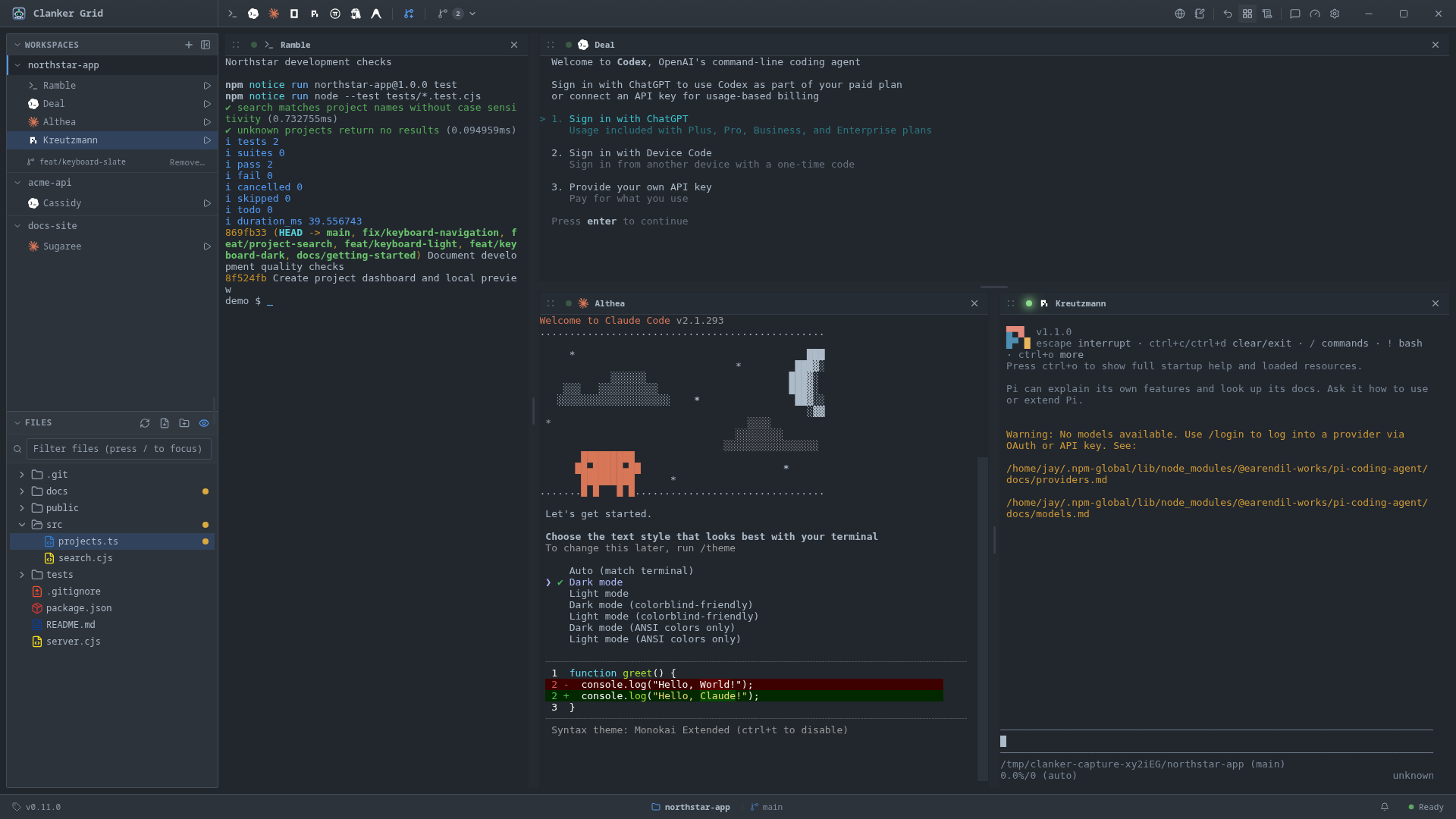
Read the docsDark, Light and Slate themes are included, and workspaces can live in the sidebar or in tabs. Theming docs · Workspace navigation
Download a release, or run it from source.
Download the AppImage from the latest release, make it executable and run it.
chmod +x 'Clanker Grid-X.Y.Z.AppImage'
./'Clanker Grid-X.Y.Z.AppImage'
Windows builds, when a release includes them, come as an installer and a portable exe. They are unsigned, so choose More info → Run anyway in SmartScreen.
Needs Node.js 22.12+ and npm 10+.
git clone https://github.com/Bynzski/clanker.git
cd clanker
npm install
npm run dev
Open Workspace adds an empty local or SSH workspace; launch installed harnesses from the toolbar afterward. Harness CLIs are not bundled; install the ones you want separately.
The point of the design is that adding a harness never means editing a central switch.
src/main/harnesses/<id>/ that declares its launch, models, history, fork, attention and usage capabilities. Missing capabilities are simply absent.1. add its id and descriptor
2. implement one provider in src/main/harnesses/<id>/
3. implement only the capabilities it genuinely has
4. add provider tests; no central allowlist to editVersion 0.12, in active development. Known limits, stated plainly:
MIT licensed. Issues, harness requests and pull requests are welcome.